Ricoma
Programa de digitalización Chroma
Chroma Digitizing Software
Product features
1 / 2
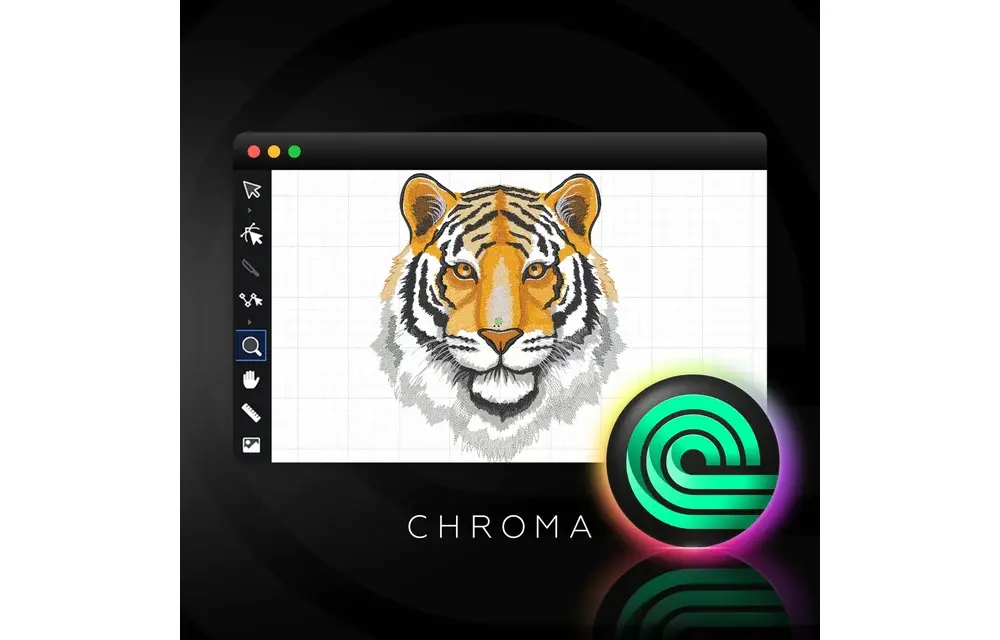
Chroma's new subscription plan is designed to help you get the most out of your embroidery designs. With instant access to the latest features, exclusive tools, and regular updates, you’ll always have cutting-edge software. Whether you’re a beginner or an expert, Chroma’s intuitive platform and advanced auto-digitizing make the entire design process easier.
Choose from multiple subscription tiers to match your needs, enjoy cloud-based access, customizable hotkeys, and helpful training resources to master digitizing.
Stay ahead and elevate your embroidery projects with Chroma’s subscription plan – the perfect choice for flexibility, innovation, and top performance.
Up to 250 Pre-Digitized Fonts
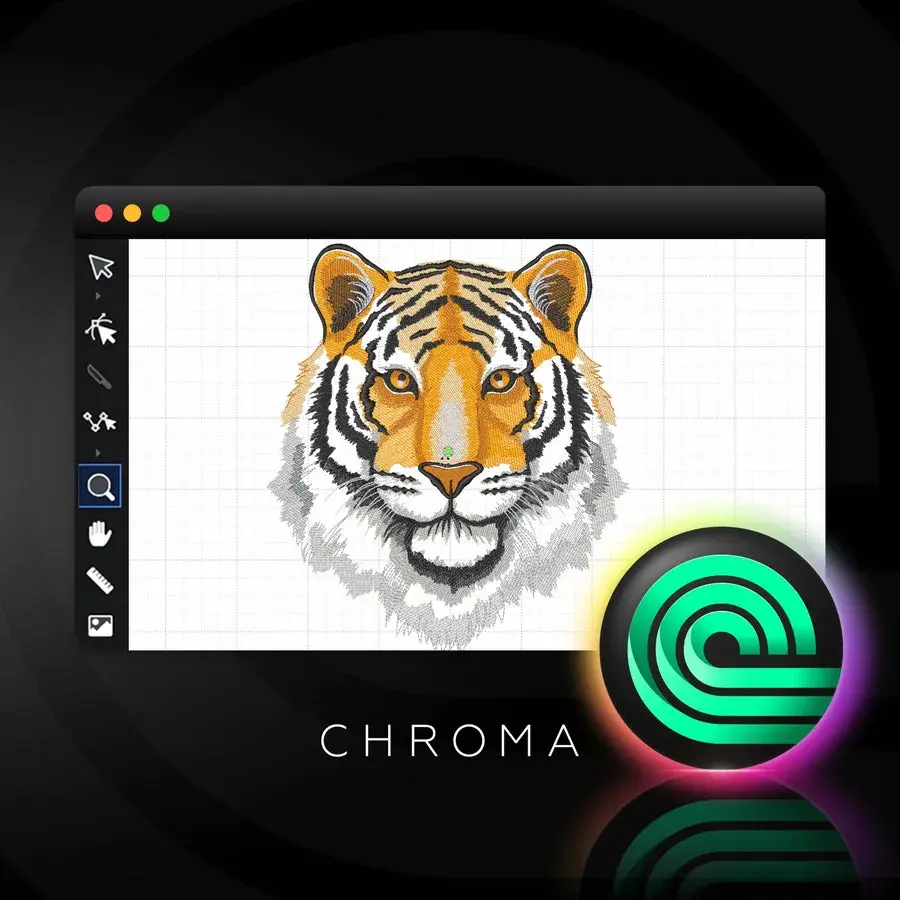
You'll never run out of creative font options for your next project with access up to 250 fonts, including appliqué, monogram, and 3D Puff styles.
Realistic View
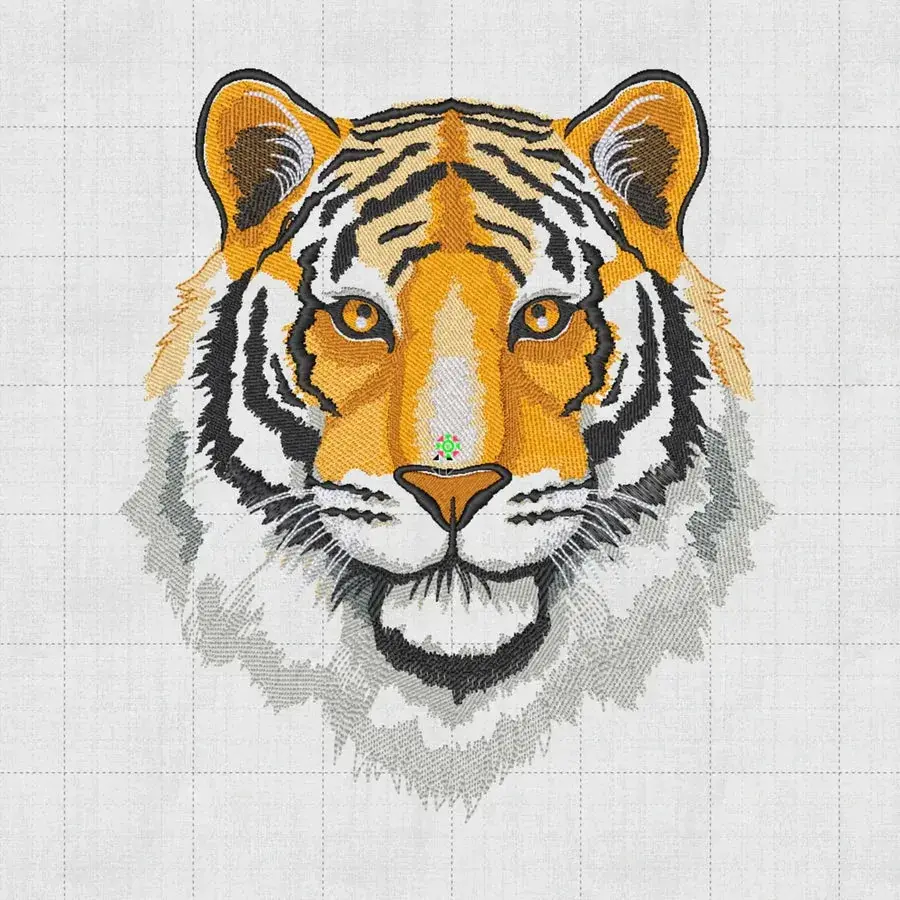
The realistic view feature allows you to switch between a lifelike representation of your embroidery design and a detailed flat stitch view.
Auto Digitizing
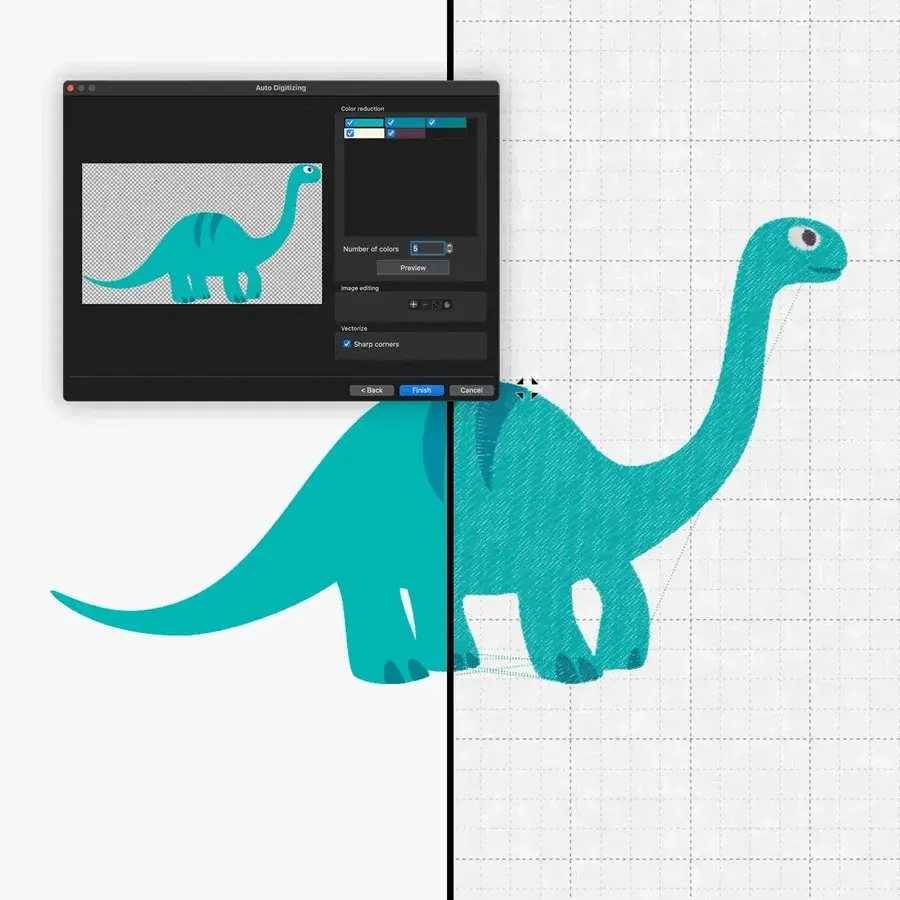
With auto digitizing, you can turn a vector file, PNG, or jpeg into an embroidery file in a few simple steps.
Preview Designs on 3D Models
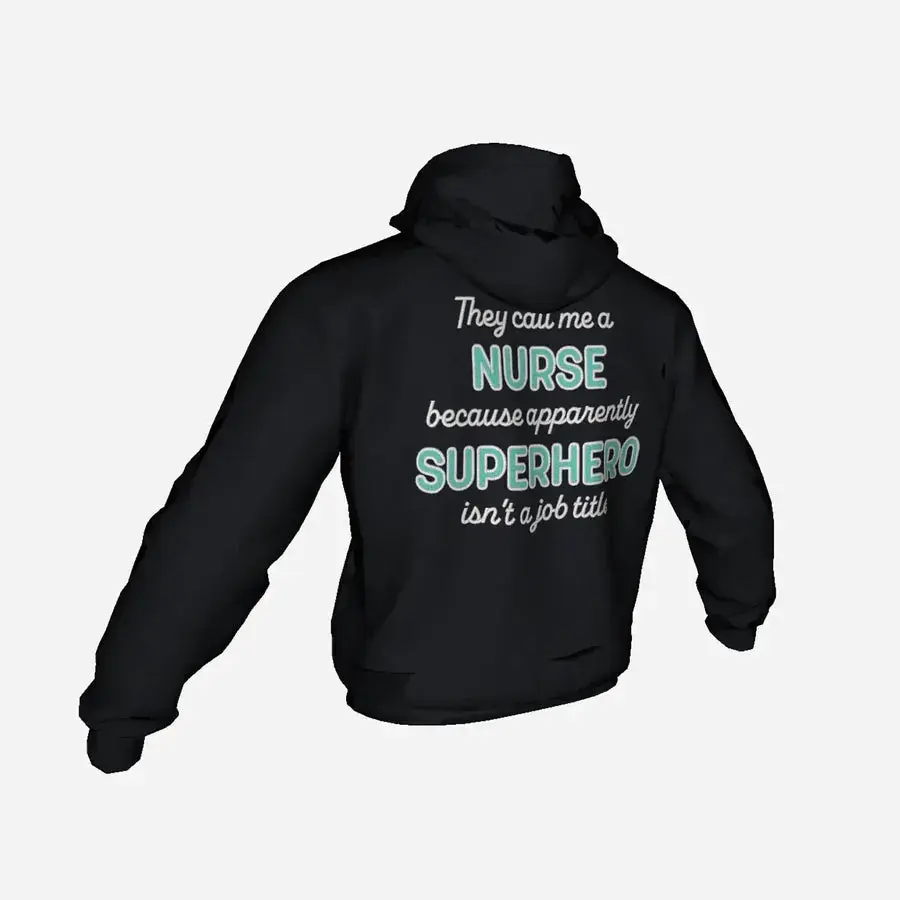
Get an accurate glimpse of how your design will look once it's embroidered with Chroma's 3D models.
Designs on Textured Backgrounds
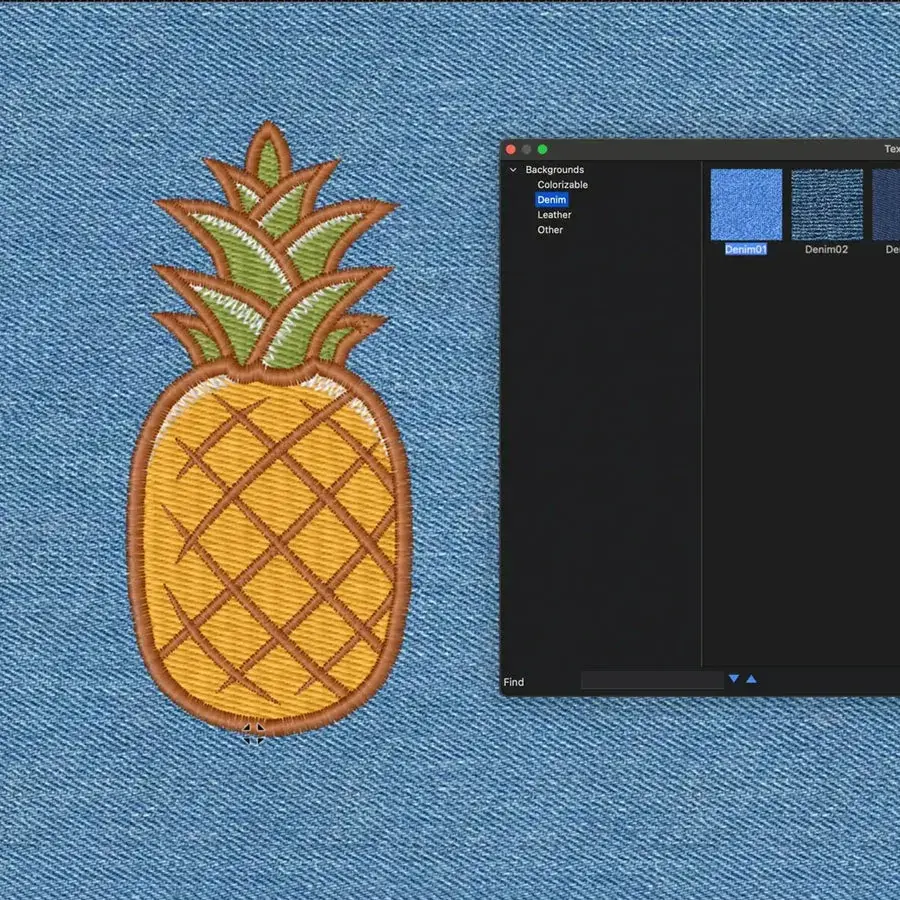
Automatically adjust the artboard background on your screen to match the material you'll be embroidering on.
Advanced Artwork Tool
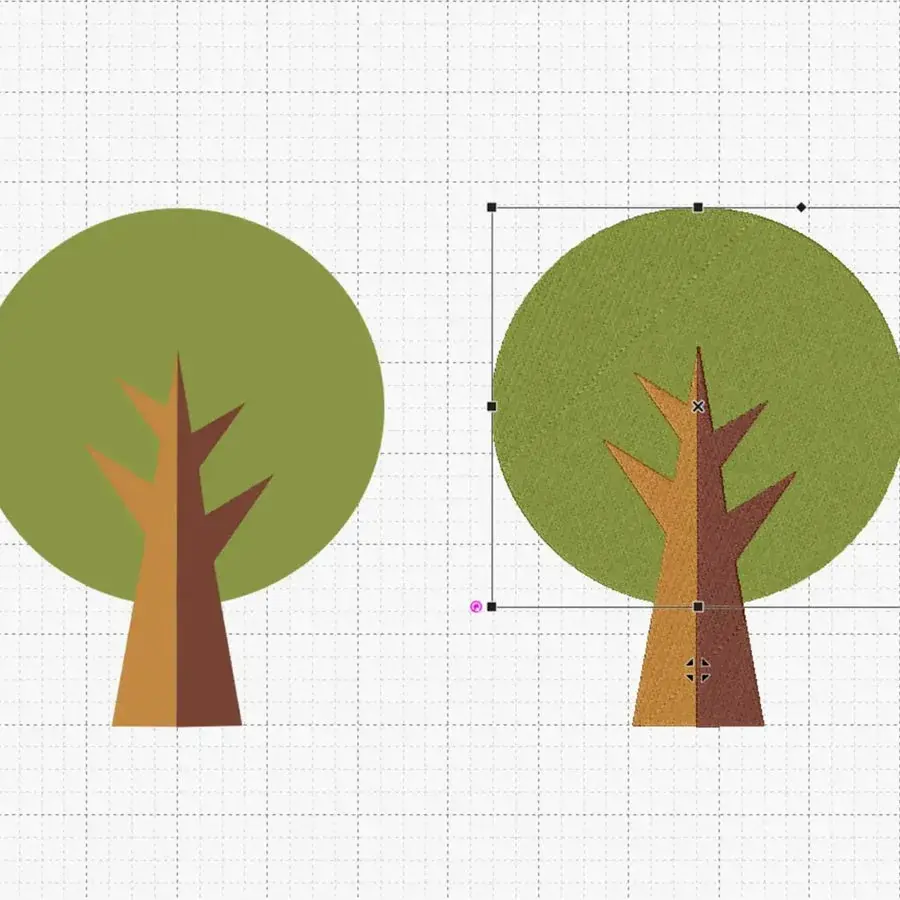
Use the artwork tool to draw freely with the pen tool or to insert pre-defined shapes to build out your design. Once the design is drawn out or built, you can convert your design to available stitch types and complex fills.
Convert Photos to Embroidery
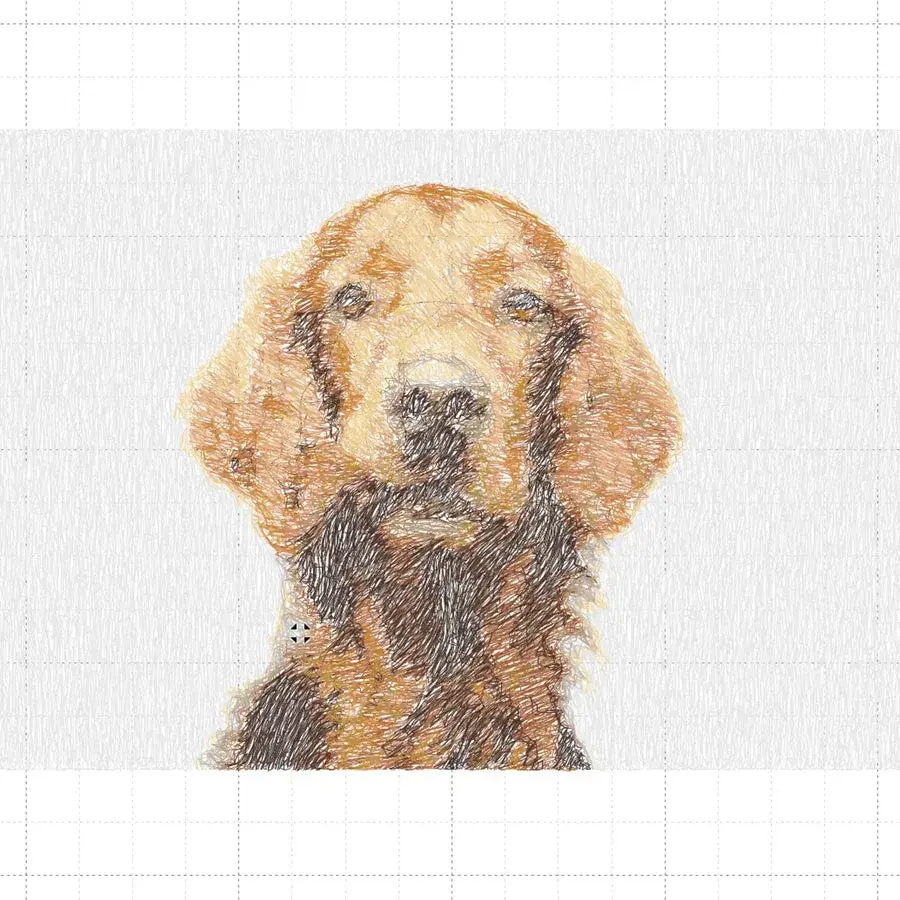
Transform a captivating photo into embroidery by utilizing the stitched snapshots feature.
Appliqué
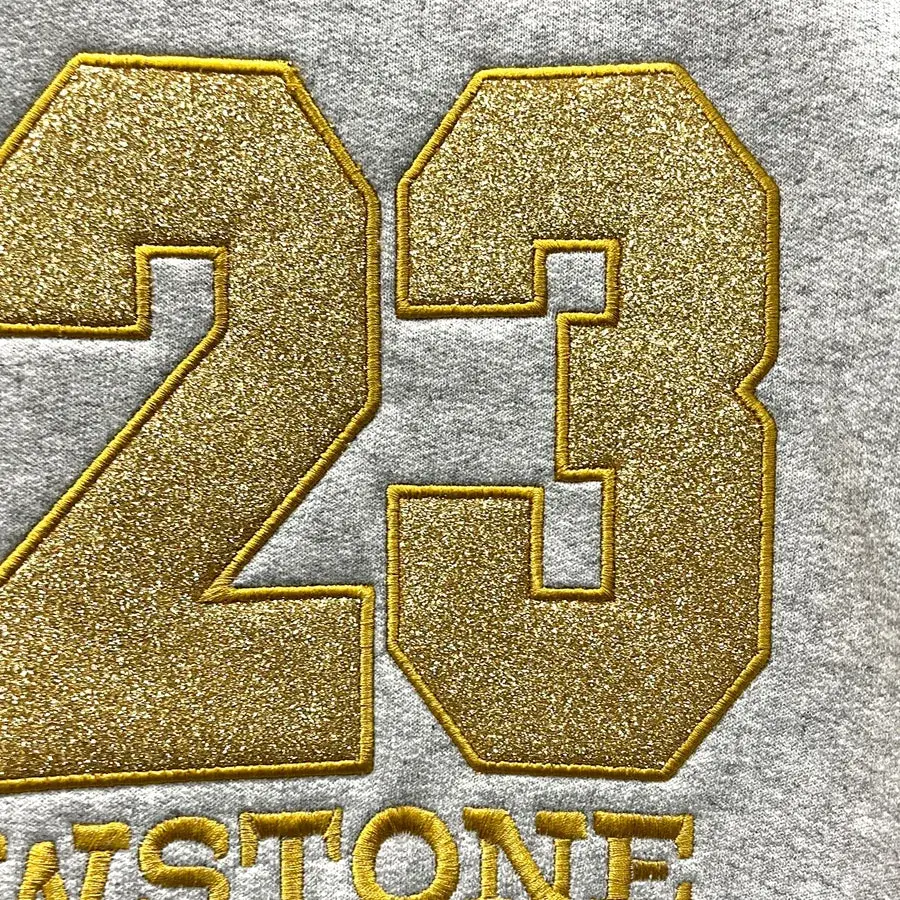
Ensure your embroidery projects stand out by creating appliqué designs from scratch, including adding texts and shapes of your choosing.
Beginners

Chroma’s user-friendly interface and auto-digitizing features make it easy for those new to embroidery design to create professional-quality projects without a steep learning curve.
Experienced Digitizers

For advanced users, Chroma offers powerful customization tools, including manual digitizing, detailed stitch control, and advanced editing features to streamline complex designs.
Business Owners

Pair text with an image to focus on a product, collection or blog post. Add details on availability, style, or even provide a review.
Specifications
| Operating System Compatibility | Windows: Windows 10 20H1 (minimum), Windows 11 (recommended) Mac: macOS Mojave (minimum), macOS Big Sur and above (recommended) |
|---|---|
| Processor | Windows: Intel Core i5 / AMD Ryzen 3 (minimum), Intel Core i7 or higher (recommended) Mac: Intel Core i5 / Apple M1 (minimum), Intel Core i7 or higher / Apple M2 (recommended) |
| RAM | Minimum: 8 GB Recommended: 16 GB or higher |
| Storage | Minimum: 200 GB free disk space Recommended: 500 GB or higher |
| Graphics Card | Any graphics card that supports the required monitor resolution |
| Display Resolution | Minimum: 1600x900 Recommended: 4K |
| Internet Connection | Required |
| Input Formats | AI, EPS, SVG, PNG, JPG |
| Output Formats | RDE, EXP, DST, DSB, DSZ, T01, SST, KSM, U01, U02, DAT, T03, PHC, 10o, ZSK, T05, TAP, M3 PES, EMD, PCS, PCM, SEW, HUS, SHV, CSD, JEF, VIP, VP3, VP4, ZHS, and XXX |
| Other Export Options | PDF, JPG, PNG |
| Connection Type | Send a design to an embroidery machine (machine must support a serial port connection) |
| License Type | Subscription Plan |
| Free Trial | 14 Days |
| Software Updates | Quarterly |
| Customer Support | Video tutorials, instructor training, 7 Days a Week & After Hours |
Product information, photographs and specifications: Ricoma. No prices or stock here: ask us and we will get back to you.
Other design software models
Tell us the operation you need to solve and we will reply with the right configuration and the lead time.